Cut Twitch & Kick streams automatically
Every Twitch or Kick VOD becomes finished Let's Play episodes, viral Shorts and thumbnails with your face, cut by AI and posted to YouTube automatically. You skip hours of editing and grow on every platform.
Cancel any month · Rendered on your PC, your videos stay with you · Your own or a local AI · GDPR-compliant, made in Austria
What happens to your stream
The AI listens to and watches the whole stream, finds the strong moments and cuts episodes, Shorts and thumbnails from them.
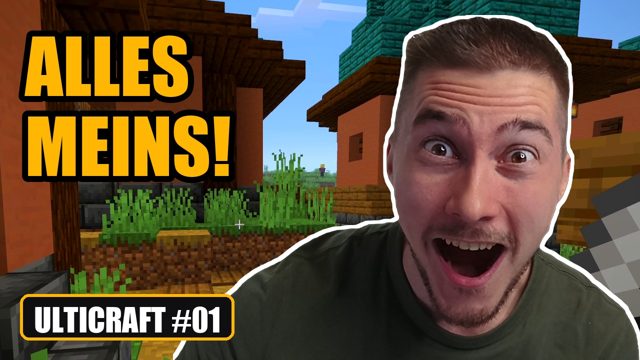
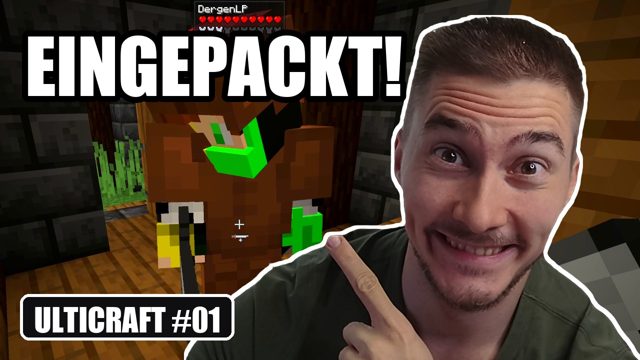
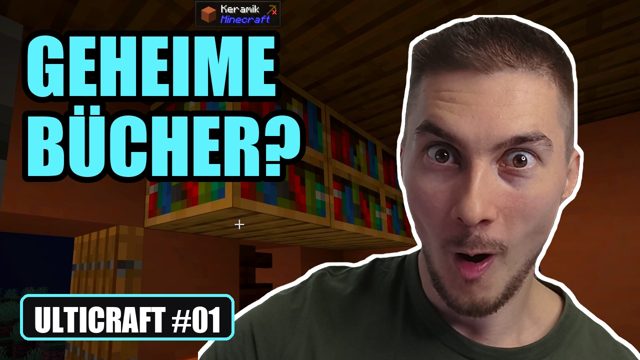
Example: 3-hour stream, episodes up to 45 minutes, 5 Shorts per episode. Everything can be changed in the presets.
Sound familiar?
Finding breaks, trimming the chatter, picking highlights: one episode easily takes 3 to 5 hours.
Yet Shorts bring in the most new viewers. But cutting every clip vertically, adding captions, posting …
After a few weeks the streams are gone, and with them your best moments that nobody outside Twitch ever saw.
How it works
No editing skills needed. You decide at the end what goes out.
A recording from your PC, from Google Drive or Dropbox, or the VOD straight from Twitch or Kick.
Cuterino understands what happens in the stream: episodes with a common thread, Shorts with a hook, chapters, titles, thumbnails with your face.
Review, approve, done. Cuterino posts at the best time on YouTube, and during the beta also on TikTok, Instagram, Facebook and Pinterest.
Features
Whole episodes instead of a highlight reel: story games almost complete, tutorials just the instructions.
Long walks or mining run as a time-lapse, so viewers understand what happened without getting bored.
Up to 10 Shorts per video, vertical, with facecam, captions and an opening that sticks.
From your own photos, with the key scene and a series badge. 3 variants for the A/B test.
Planner, queue and the best times for your channel. From Pro, from stream to post without a click.
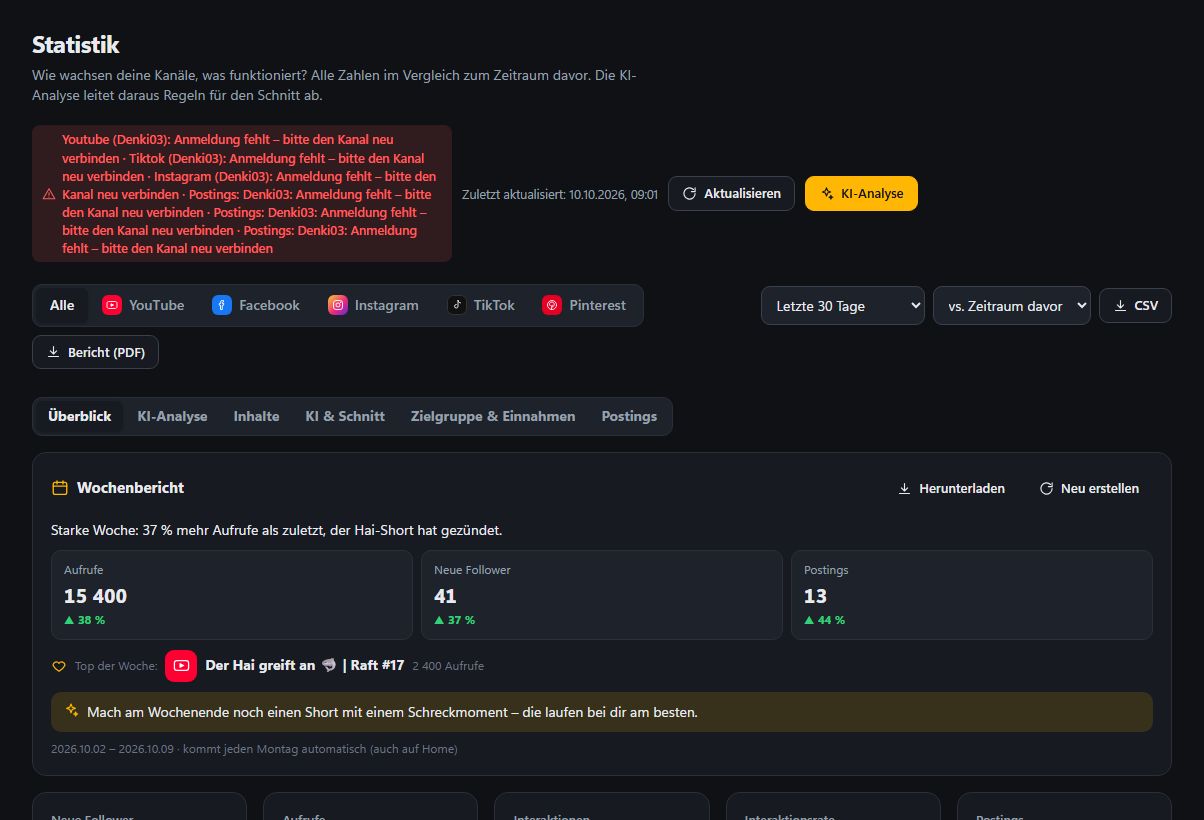
All platforms in one place, AI analysis, goals and a forecast of where your channel will be in a year.
One inbox for all channels, AI replies with one click and a summary of what your viewers want.
Swear words are bleeped automatically and replaced with stars in the captions (can be turned off).
Your data belongs to you
Many clip tools upload your whole stream to their servers. Cuterino does not: cutting and rendering happen on your own PC.
Raw recordings stay on your computer. Finished videos only go where you post, optionally via your own cloud storage when the PC is off.
Locally with Ollama (nothing leaves your PC) or with your own API key: Gemini, Claude, OpenAI, Mistral …
We do not train any AI on your streams and do not sell data. Every account has its own separate area.
Account, planning and statistics are stored in the EU. No tracking cookies without your consent. We count visitors without cookies.
Real result
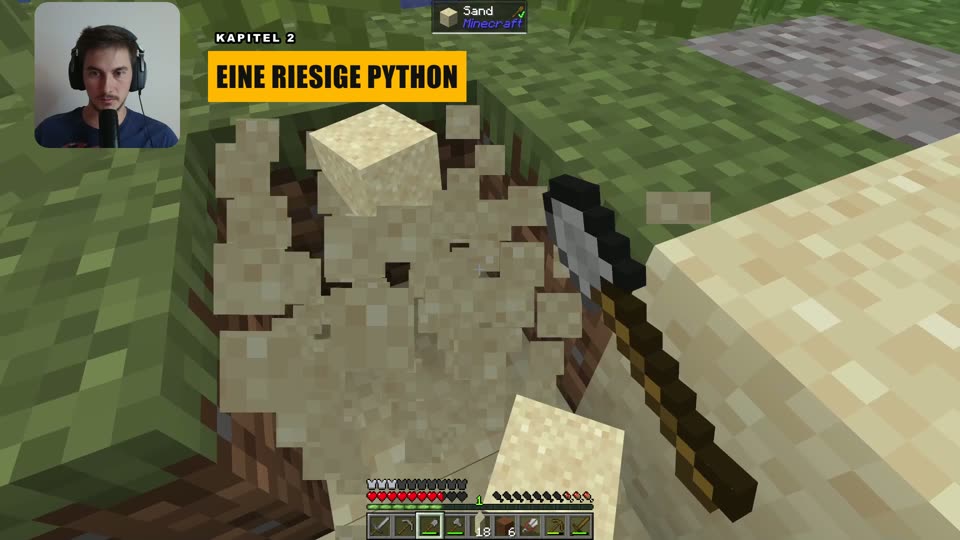
From a Minecraft stream: three thumbnail variants for the YouTube test, chapter overlays next to the facecam, time-lapse on long walks and a preview of the next episode at the end.
I want that tooBefore / after
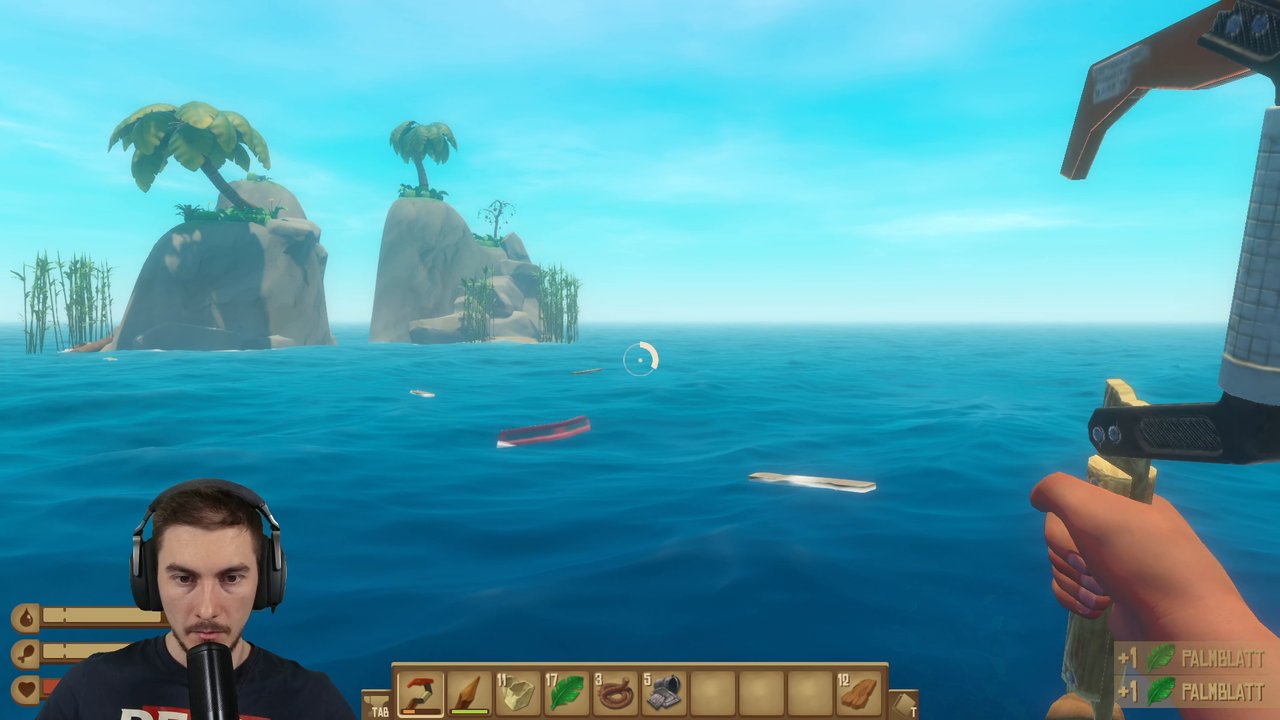
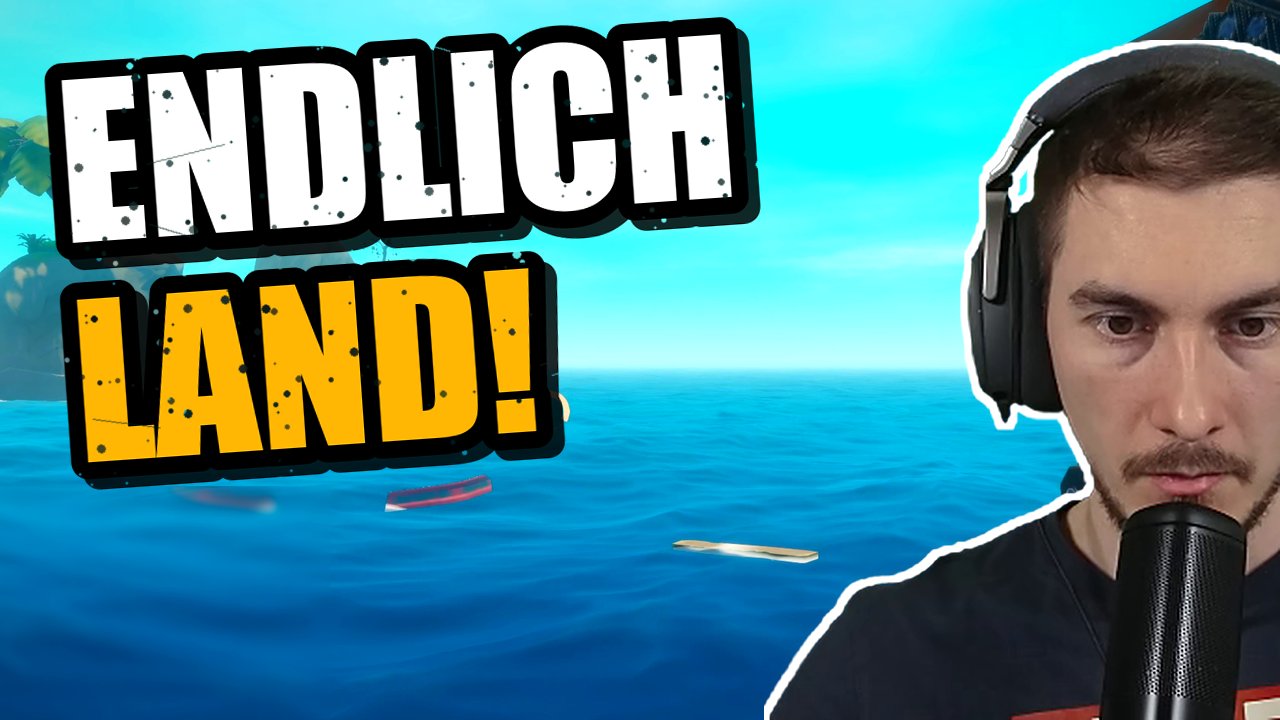
Drag the slider: on the left the still from the stream, on the right what Cuterino makes of it: face cut out, stronger colors, text in the style of big channels.
 StreamCuterino
Comparison
Typical clip tools cut short highlights. Cuterino also cuts whole episodes and builds your entire channel.
| Cuterino | Typical clip tools | Editing yourself | |
|---|---|---|---|
| Whole Let's Play episodes | ✓ | – | ✓ (hours) |
| Shorts with facecam & captions | ✓ | ✓ | tedious |
| Thumbnails with your face | ✓ | – | extra program |
| Title, description, chapters | ✓ | partly | by hand |
| Autoposting to 5 platforms | ✓ | partly | – |
| Statistics, forecast, comments | ✓ | – | – |
| Videos stay on your PC | ✓ | mostly cloud upload | ✓ |
Pricing
Cancel any month. Pay yearly and save.
All prices incl. VAT. You connect the AI yourself: free with Google Gemini, locally with Ollama or with your own API key, usually just a few cents per stream.
Pay with: Credit card · PayPal · SEPA direct debit · Checkout is currently in German.
Software
Planning, statistics, comments and posting happen in the browser or on your phone. Cutting runs on your own Windows PC, fast with your graphics card, and your raw recordings never leave your computer. The app is available in English.
Windows 10/11 · NVIDIA graphics card recommended (works without, just slower)
FAQ
No. Cuterino cuts everything by itself. You can watch every episode before posting and have it “improved” with a note. The AI learns your style along the way.
All of them. Cuterino recognizes whether it is a Let's Play, a story game or a tutorial and cuts accordingly: story games stay almost complete, tutorials are trimmed to the instructions.
You connect an AI of your choice. It is free with Google Gemini (key from Google AI Studio), Groq or locally with Ollama. With your own key you pay the provider directly only for what you use, usually a few cents per stream. Cuterino shows you the costs.
Not to us. Cutting and rendering run on your own PC. Raw recordings and finished videos stay there. Only the finished videos go directly from your PC to the platforms you post on.
No. We do not train any AI on your streams. You choose the AI yourself: locally with Ollama everything stays on your PC, with your own key your provider's terms apply (free tiers sometimes include training, so we show this when you choose).
YouTube (videos & Shorts), one main channel per platform and more channels depending on the plan. TikTok, Instagram Reels, Facebook and Pinterest work during the beta via your own developer access for the platform (Cuterino guides you step by step). Without your own access it works once the platforms have reviewed and approved Cuterino. Until then TikTok posts are only visible to you.
Cuterino fetches the VOD straight from Twitch or Kick, or you use your recording from your PC, Google Drive or Dropbox. The AI cuts episodes with title, description, chapters and thumbnail, and Cuterino uploads them to YouTube at the planned time. You do not have to download or upload anything yourself. From Pro it can run fully automatically from stream to post.
Yes. Depending on the plan, 3, 8 or 10 vertical Shorts are made per main video, with facecam, big captions and the strongest moment at the start. Cuterino posts them to YouTube Shorts, and during the beta also to TikTok, Instagram Reels and Facebook.
Many AI editing tools mainly turn long videos into short clips. Cuterino cuts whole Let's Play episodes with a common thread from a stream lasting several hours: chatter breaks out, long walks as a time-lapse, chapters, end card and a preview of the next episode. Plus the Shorts.
Yes, Cuterino. Clip tools such as Opus Clip, Eklipse or StreamLadder process your videos in their cloud and focus mainly on short vertical clips. Cuterino cuts and renders on your own Windows PC, your recordings stay with you, and besides Shorts it also makes whole YouTube episodes. The AI can even run locally with Ollama.
Yes, with one click at the end of the billing period. As a consumer you also have a 14-day right of withdrawal.
Get your time for streaming back. Cuterino does the rest.
Get started